How to Make a Short Film on Ricoh GR in 1 Day

How to Make a Short Film on Ricoh GR in 1 Day

2. Shoot short scenes during your day.

Record ~10-second clips.  Limit yourself to 20-25 total scenes to avoid getting overwhelmed with too much material later.
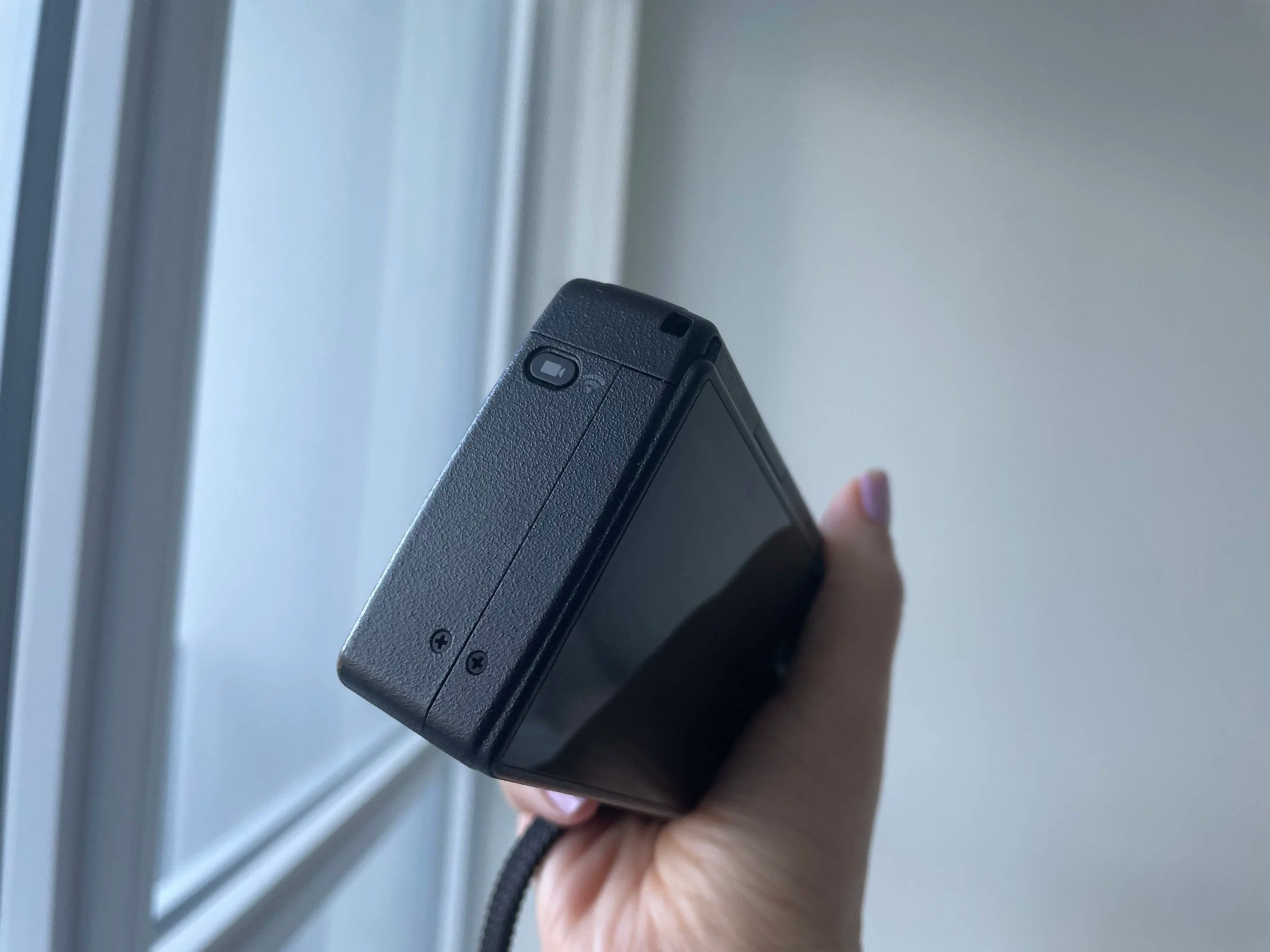
 Press the video button on the side of the camera to put your camera in video mode.
Press the video button on the side of the camera to put your camera in video mode.
 Use the regular shooting button on the top of the camera to start/stop recording your clips.
Use the regular shooting button on the top of the camera to start/stop recording your clips.

3. Choose your favorite scenes.

After transferring photos to your device, select ~10 of your favorite clips — ideally spread over morning, afternoon, and evening.
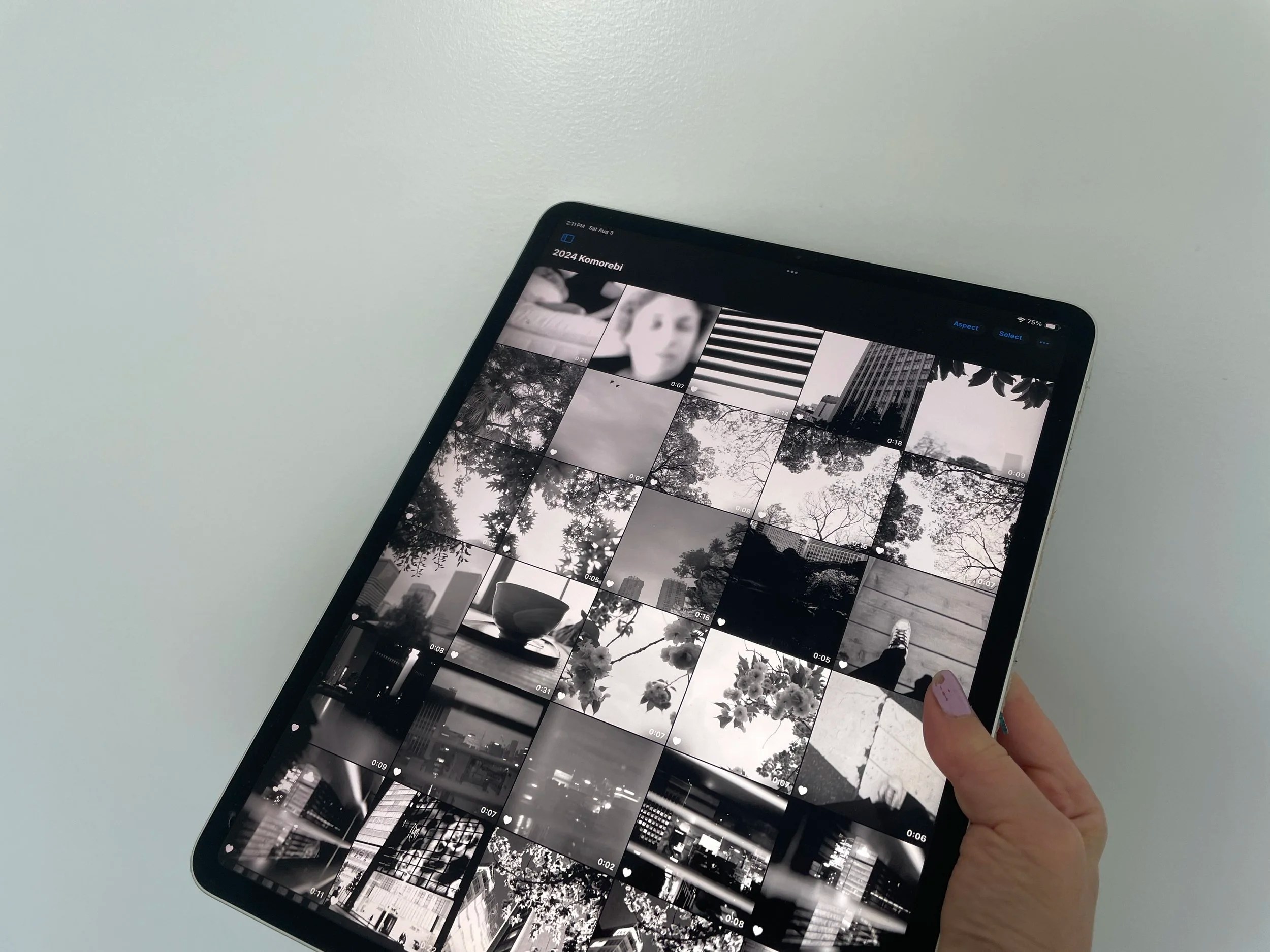
4. Combine the scenes into a short film.

Use a simple video or social media app like CapCut (free), TikTok, Instagram, or iMovie (Mac). Add text, transitions, or music for extra pizzazz.
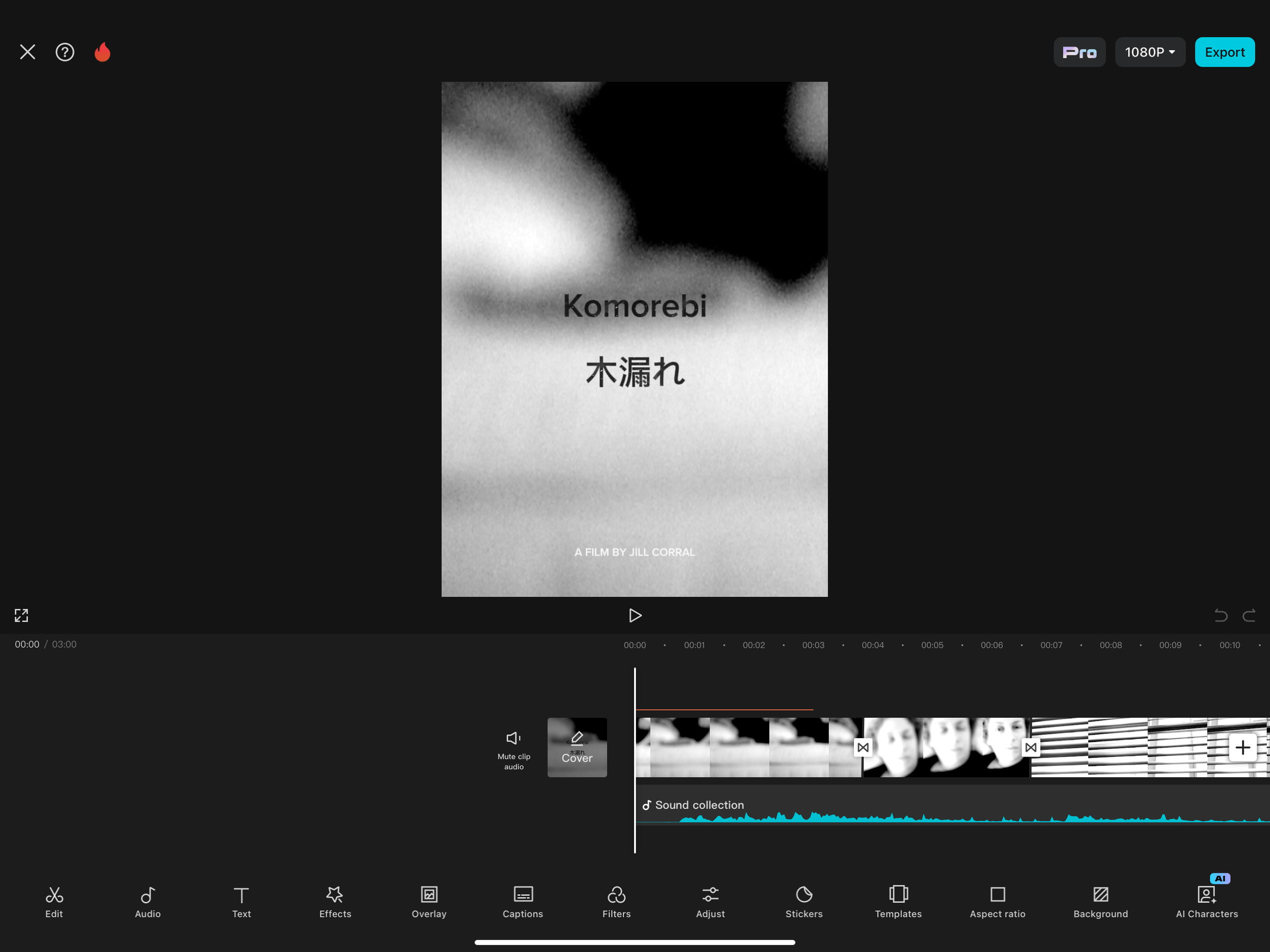
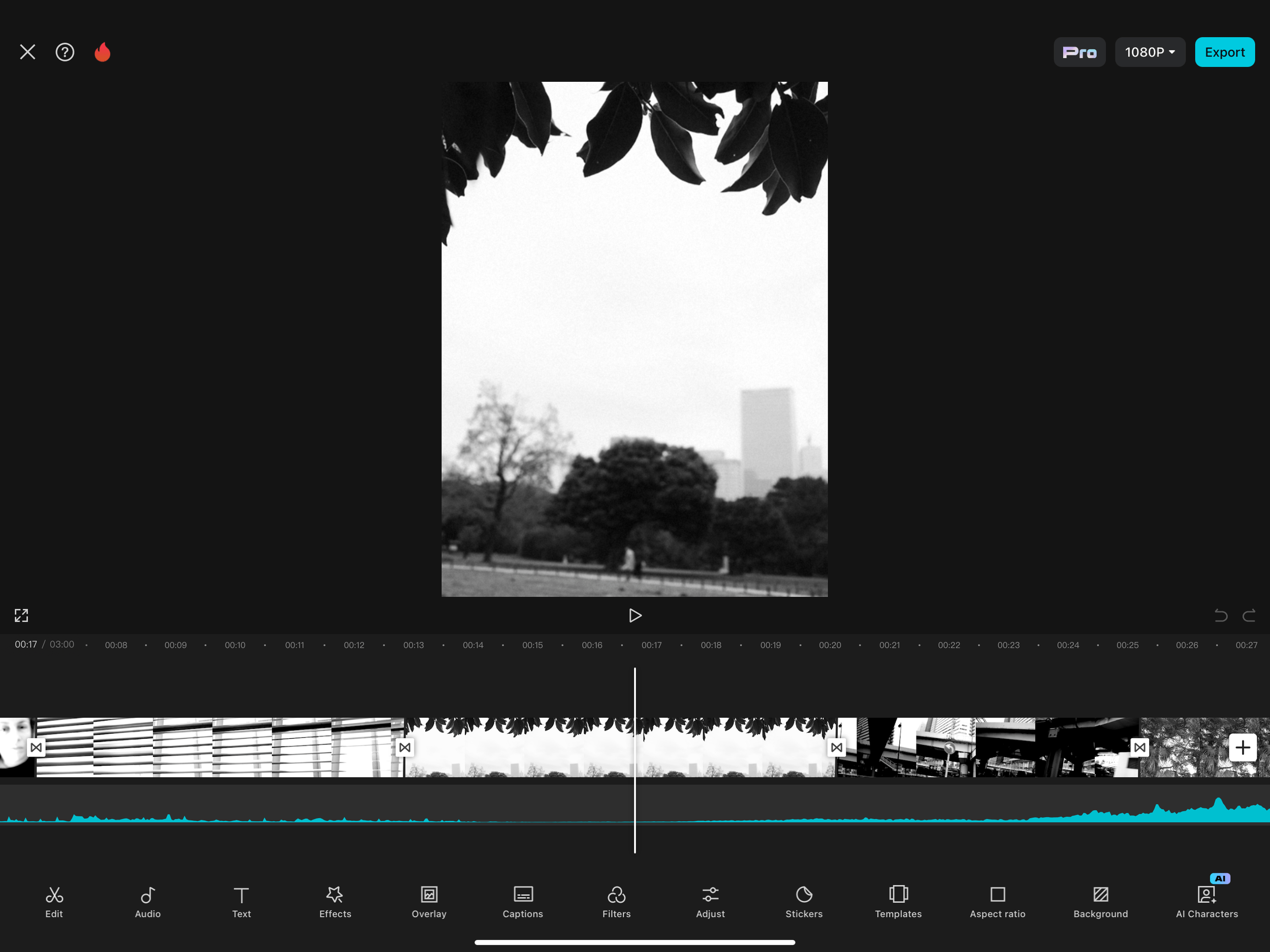
 I just dropped my favorite clips into CapCut and added text, simple transitions, and music.
I just dropped my favorite clips into CapCut and added text, simple transitions, and music.

5. Enjoy and share your short film!

Posted in